

A freshly launched WordPress website often feels fast for one reason: very little has happened to it yet.
The database is small. The plugin stack is thin. There are few revisions, few users, few failed cron jobs, few tracking scripts, and almost no historical clutter. Most owners mistake this early speed for stability. They assume the architecture is sound because the homepage loads quickly during the first few weeks.
Then the site begins accumulating weight.
A year later, many WordPress installations resemble old workshops filled with disconnected tools, abandoned experiments, duplicate systems, and processes nobody fully understands anymore. The slowness usually emerges gradually enough that the owner adapts to it psychologically before noticing it technically.
The causes are rarely mysterious.
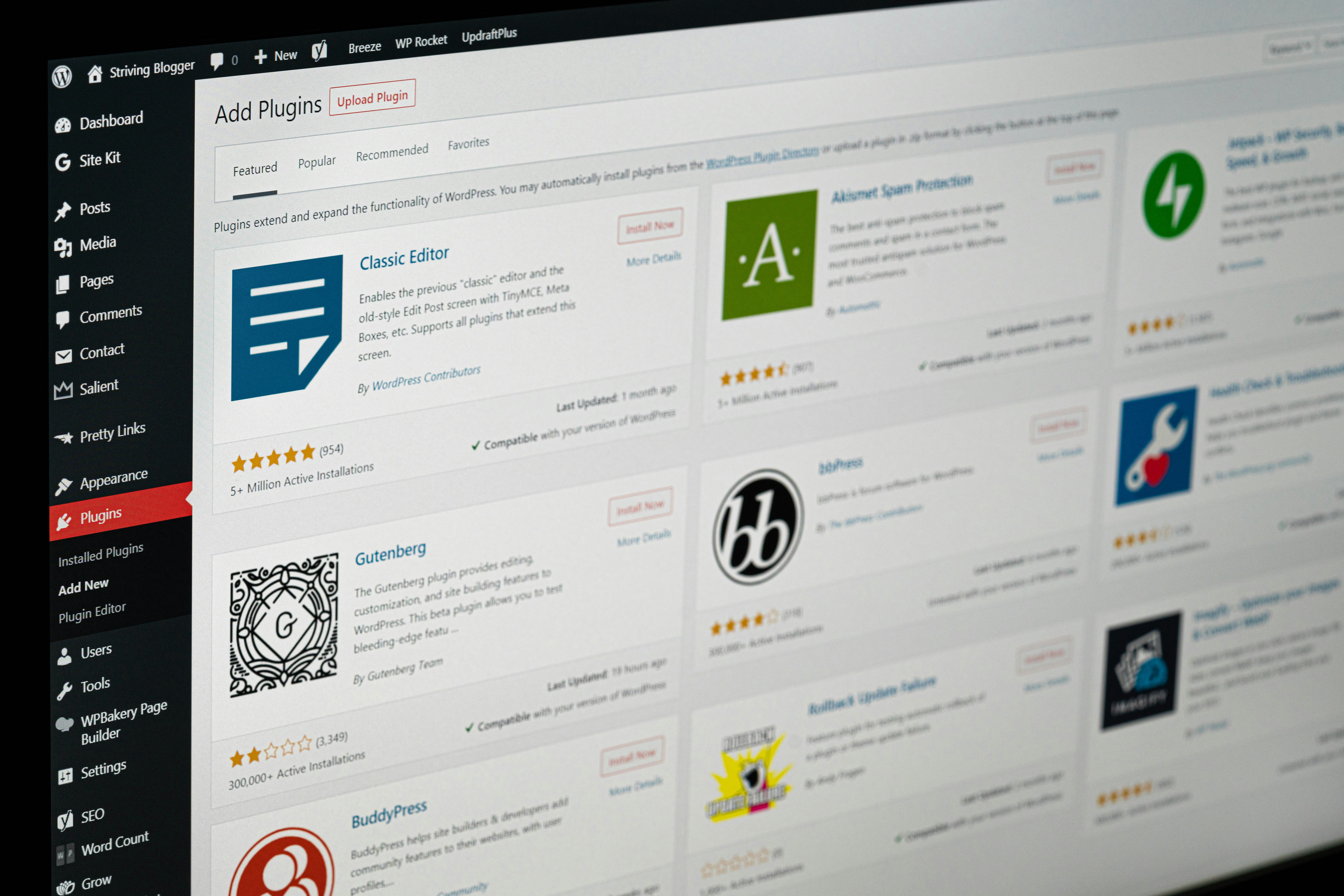
One major issue is plugin accumulation. Most WordPress sites slowly drift toward plugin dependency because plugins solve immediate pain cheaply. A contact form needs spam protection. A page builder needs an add-on. Marketing requires popups. Analytics expands. SEO expands. Email expands. Security expands. Caching expands. Forms expand. Before long, the site becomes a layered stack of independent software systems written by different teams with different assumptions.
The problem is not merely the number of plugins. Some lightweight plugins barely matter. The deeper problem is overlapping behavior.
Multiple plugins begin querying the same database tables. Several systems inject JavaScript into the frontend. Competing cron jobs trigger simultaneously. Admin dashboards start polling continuously. Asset loading becomes fragmented. The site slowly turns into a negotiation between unrelated architectures.
Many WordPress owners never inspect their database after launch. Yet after a year, databases often contain:
- - thousands of post revisions
- - expired transients
- - orphaned metadata
- - abandoned plugin tables
- - WooCommerce session buildup
- - autoloaded options that should never autoload
- - fragmented indexes
- - logs that were never rotated
Some plugins leave entire infrastructures behind after deletion. The visual plugin disappears from the dashboard while its database footprint remains permanently active underneath.
Autoloaded options become particularly destructive over time. WordPress loads these values on nearly every request. Poorly designed plugins sometimes dump enormous configuration arrays into autoload. A site may end up loading megabytes of unnecessary data before rendering a single visible element.
Hosting also degrades differently than many people expect.
Cheap shared hosting environments frequently oversell CPU resources. A site may perform adequately at launch while traffic is low and background tasks remain minimal. After months of indexing, crawling, backups, image generation, scheduled jobs, security scans, and email activity, the same hosting environment begins throttling execution aggressively.
The owner experiences this as “random slowness.”
Sometimes the site is fast at midnight and unusable at noon. Admin pages freeze unpredictably. WooCommerce checkout delays emerge without obvious explanation. Search crawlers time out intermittently.
Most owners blame WordPress itself. The issue often lies in unmanaged infrastructure decay.
Third-party scripts are another silent source of deterioration. Modern websites increasingly rely on external systems:
- - analytics platforms
- - Facebook pixels
- - ad networks
- - chat widgets
- - heatmaps
- - video embeds
- - CDN injections
- - font libraries
- - tag managers
Each external dependency introduces another network request, another execution layer, another potential failure point. Some websites spend more time waiting on third-party systems than rendering their own content.
Page builders deserve separate scrutiny.
Many visual builders trade structural efficiency for editing convenience. The problem becomes visible over time as layouts expand. Nested containers multiply. CSS payloads grow. Responsive logic becomes bloated. Frontends become dependent on massive runtime frameworks simply to render ordinary sections of text and images.
The homepage may look modern while carrying the structural weight of a small application.
Caching often hides these problems temporarily rather than solving them. Owners install aggressive caching plugins that mask deeper inefficiencies until cache invalidation occurs or logged-in sessions bypass cache entirely. The uncached site underneath may still be slow.
This becomes obvious during checkout flows, dashboards, membership systems, search pages, and admin operations where caching offers limited protection.
Image handling also deteriorates steadily. Media libraries grow without discipline. Large PNGs get uploaded directly from design tools. WebP conversion is ignored. Thumbnails multiply across plugins and themes. Some websites carry several gigabytes of image derivatives nobody uses anymore.
Security plugins can worsen performance too. Certain scanners perform expensive file operations repeatedly. Firewall systems may introduce heavy request inspection overhead. Malware monitoring can generate continuous database writes and cron execution pressure.
A site that survives long enough eventually becomes historical. Old decisions accumulate inside it.
That is why long-term WordPress performance depends less on launch quality and more on maintenance discipline. A technically competent launch can still decay into a slow system if nobody audits plugin interactions, database health, hosting pressure, query behavior, asset loading, cron execution, and frontend weight.
Most agencies do not perform this level of inspection. They build the site, hand it over, and move on.
This is where infrastructure-focused maintenance begins to matter.
At Orravo, the focus is not merely “speed optimization” as a cosmetic service. The real work involves tracing structural friction inside the site itself:
- - identifying plugin overlap
- - reducing unnecessary execution paths
- - inspecting database growth patterns
- - auditing autoload pressure
- - analyzing frontend payload weight
- - isolating slow queries
- - restructuring inefficient systems
- - diagnosing hidden operational decay
Many WordPress sites do not need dramatic redesigns. They need technical honesty.
A slow site is often a historical record of unmanaged complexity.